
Maintenance requests
A maintenance request app residents actually finish.
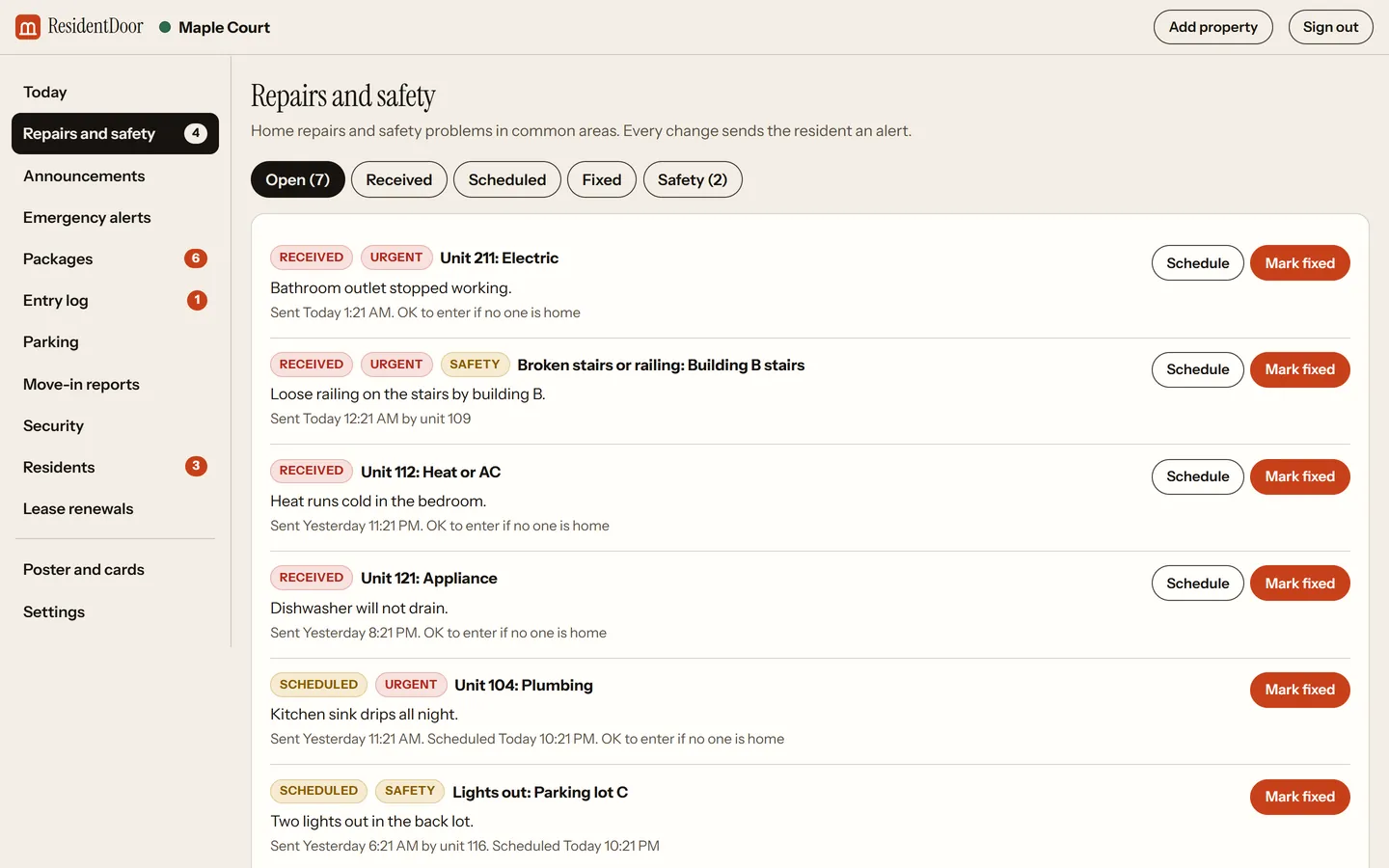
Residents pick what needs attention, how soon, and whether staff may come in, one question per screen. You get it in your inbox. They get an alert at every step until it is fixed.
$99 a month up to 100 units. Free for residents, no ads.
What residents get, and what it saves you.
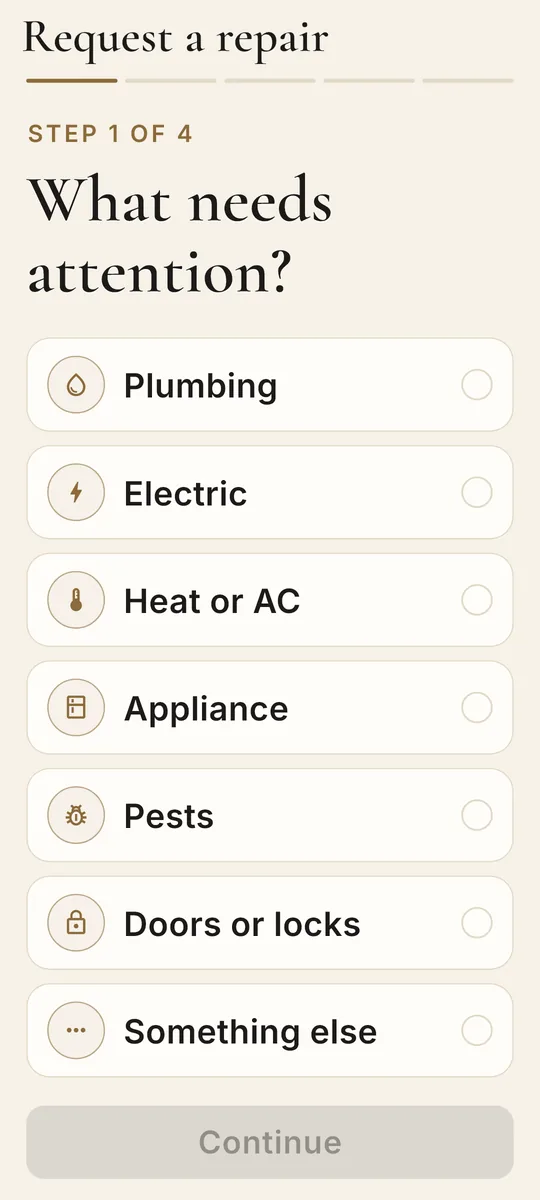
Seven clear categories
ResidentsPlumbing, electric, heat or AC, appliance, pests, doors or locks, or something else. Add a note and a photo.
YouEvery request arrives sorted, with the unit, the note and the photo in one place.
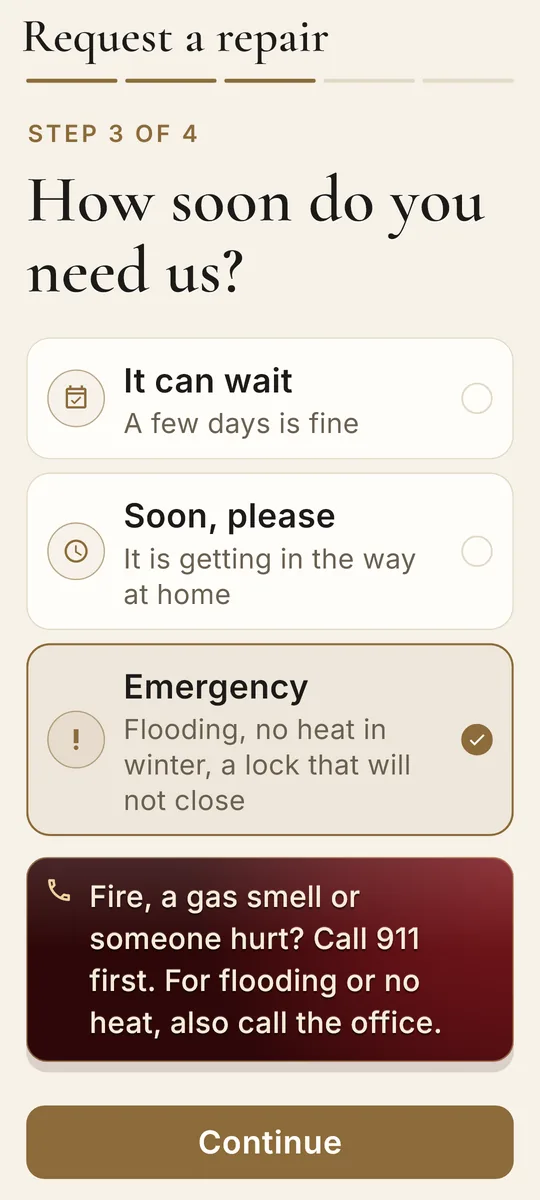
How soon, with 911 guidance
ResidentsResidents choose it can wait, soon please, or emergency. Emergencies show a reminder to call 911 for fire, gas or injuries.
YouUrgent and emergency requests are marked in your inbox so you see them first.
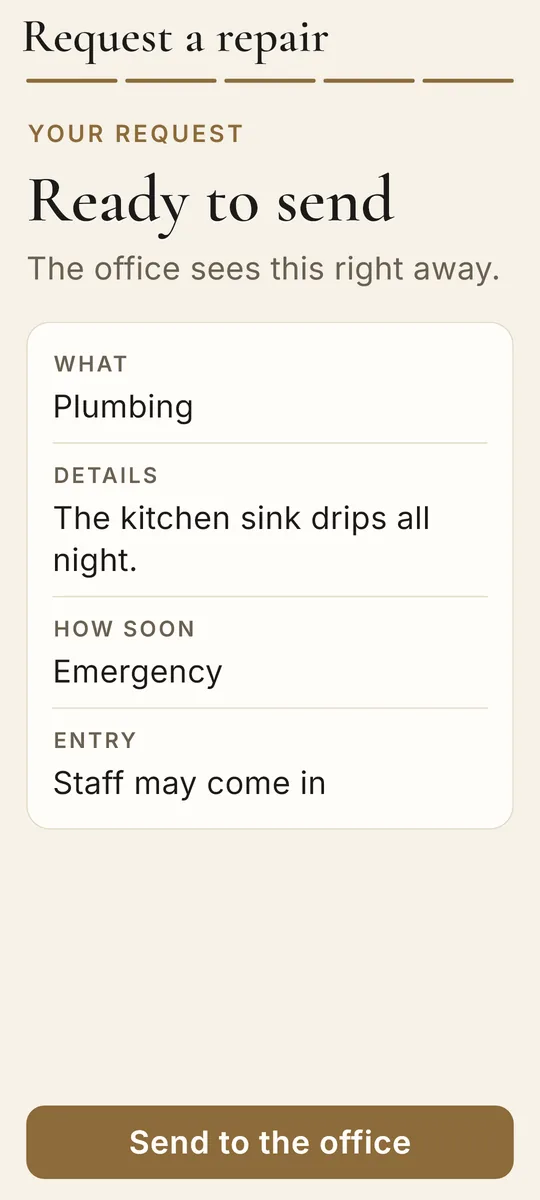
Entry permission up front
ResidentsResidents say whether staff may come in if nobody is home, and can leave a note for the tech.
YouNo phone tag before the visit. The answer is on the request.
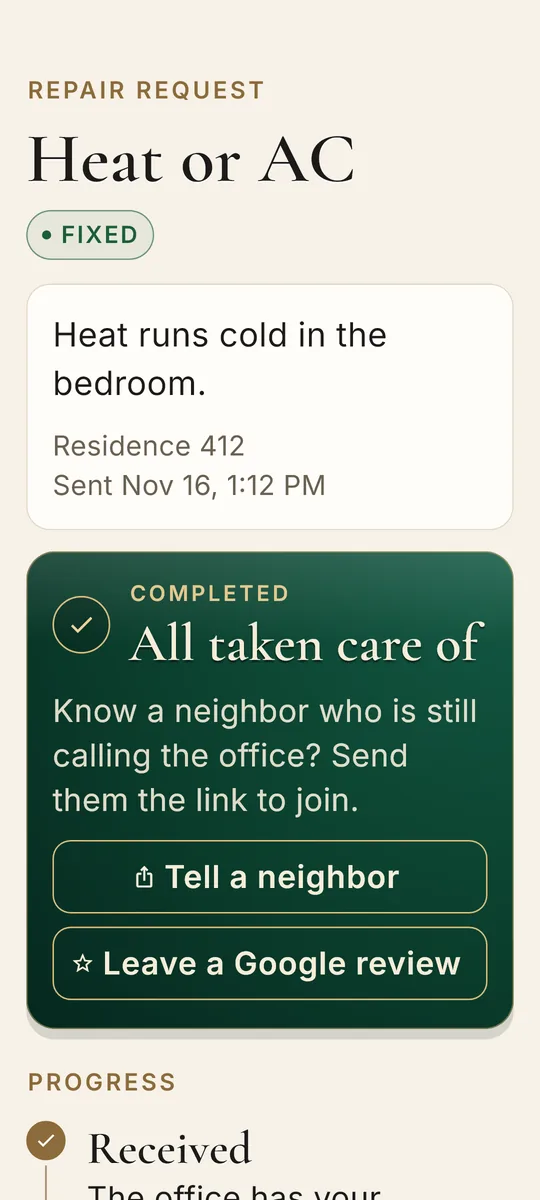
Received, Scheduled, Fixed
ResidentsAn alert at every step, and a timeline with the time of each change.
YouFewer "any update on my repair?" calls, because the status already told them.
A review ask at the right moment
ResidentsAfter a repair is marked Fixed, residents see a button to review your property on Google.
YouHappy residents get asked right after you fix something, not at random.
Questions
Can residents add a photo to a maintenance request?
Yes. Residents can attach a photo to a repair request, and you see it in the dashboard with the unit and the note.
How do residents know when a repair is scheduled?
When you schedule a repair or mark it fixed in the dashboard, the resident gets an alert, and the request in the app shows a timeline with each step.
Can a resident say it is OK to enter?
Yes. Each request asks whether staff may come in if nobody is home, with an optional note for the tech.
Do we get an email for new requests?
Yes. The office gets an email for each new repair, and a 7 AM morning summary of what is new and still open. Both can be turned off in Settings.
Put the poster up this week.
Add your property, print the poster, and let residents join. About 10 minutes of setup.
Start 30 day free trial